Tools · Updated 24 Oct, 12:00 pm IST
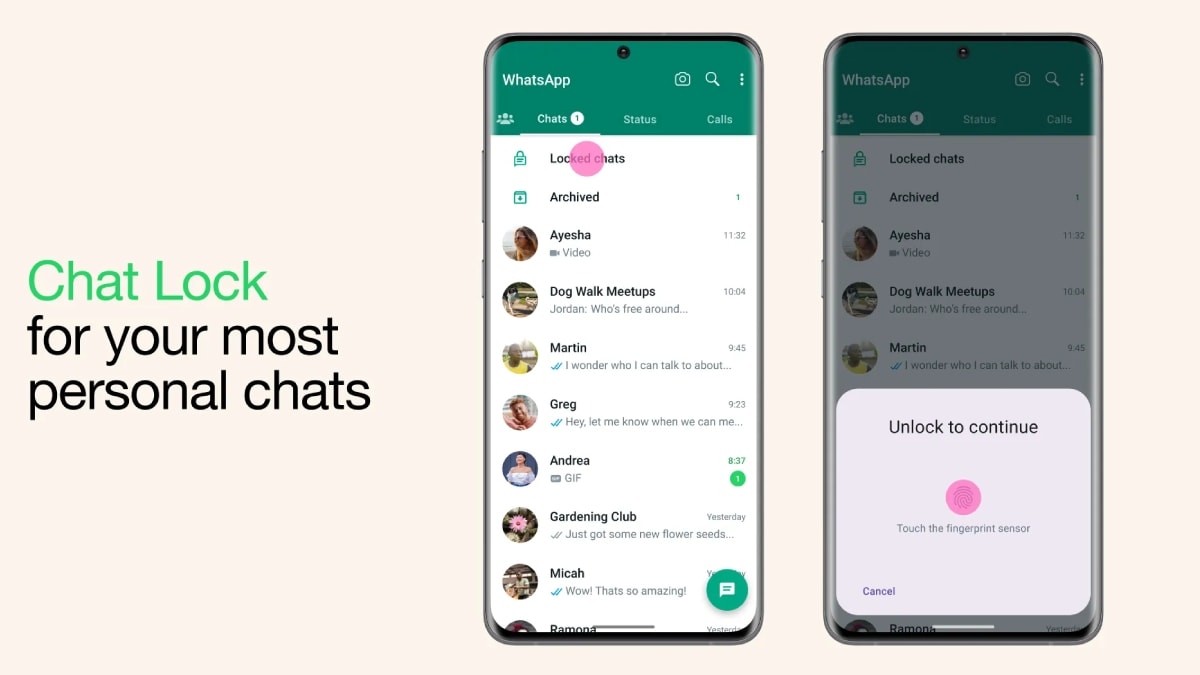
WhatsApp Chat Lock lets users protect and hide individual conversations
Why it matters for readers: Tells you how to hide and protect specific chats so others can't read them from your phone.
- Locked chats are moved to a separate folder that requires device authentication to access.1
- Users can hide the locked-chat folder from the main chat list by setting a secret code.1
- Notifications from locked chats conceal message details and sender information.1
- WhatsApp calls from contacts in locked chats can still come through despite the lock.1
- The guide explains how to lock, hide, find and access private conversations.1
Get a brief like this every morning
Uzha reads hundreds of sources and gives you the stories that matter for your work, with every source linked. Free.
Get started